
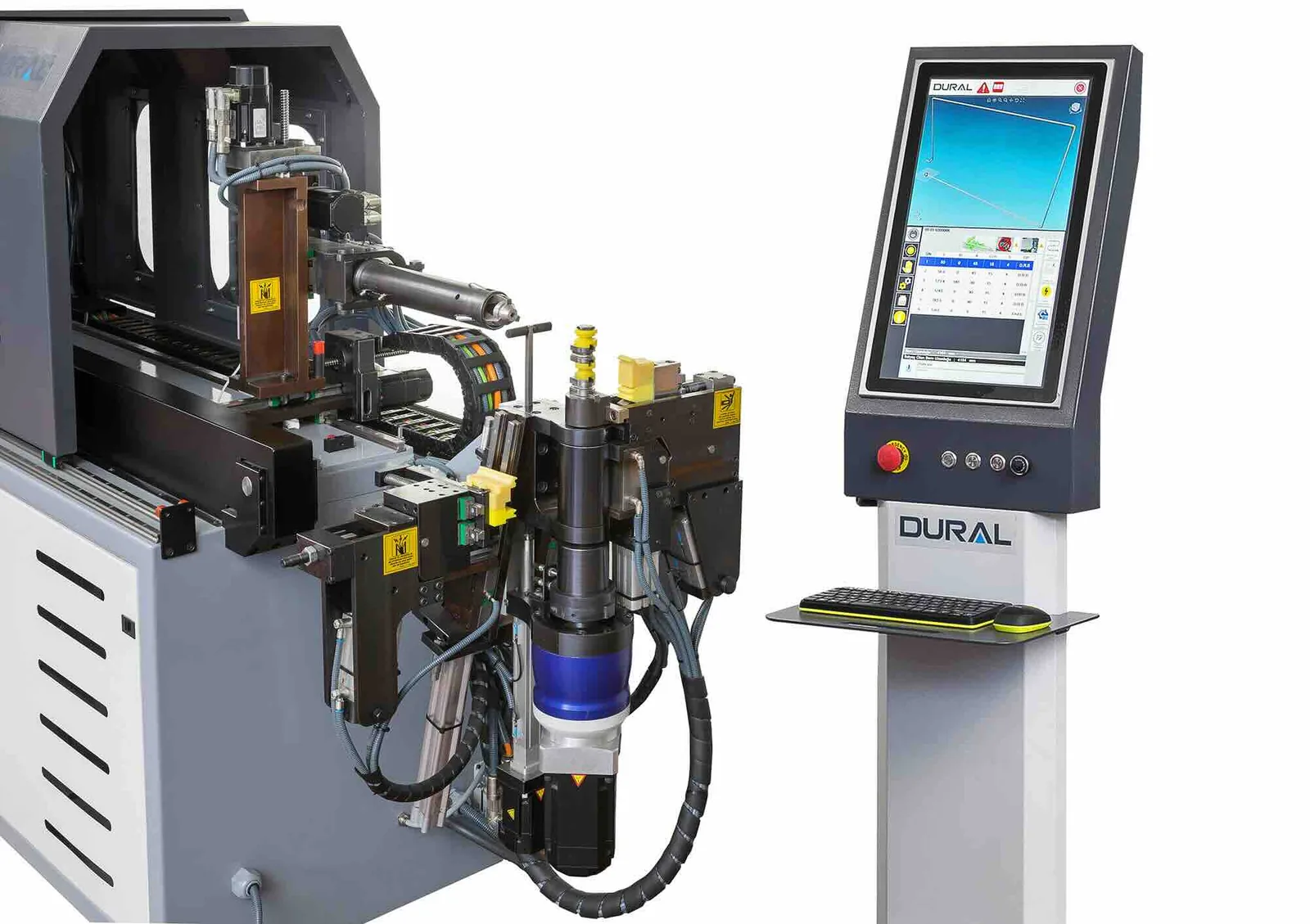
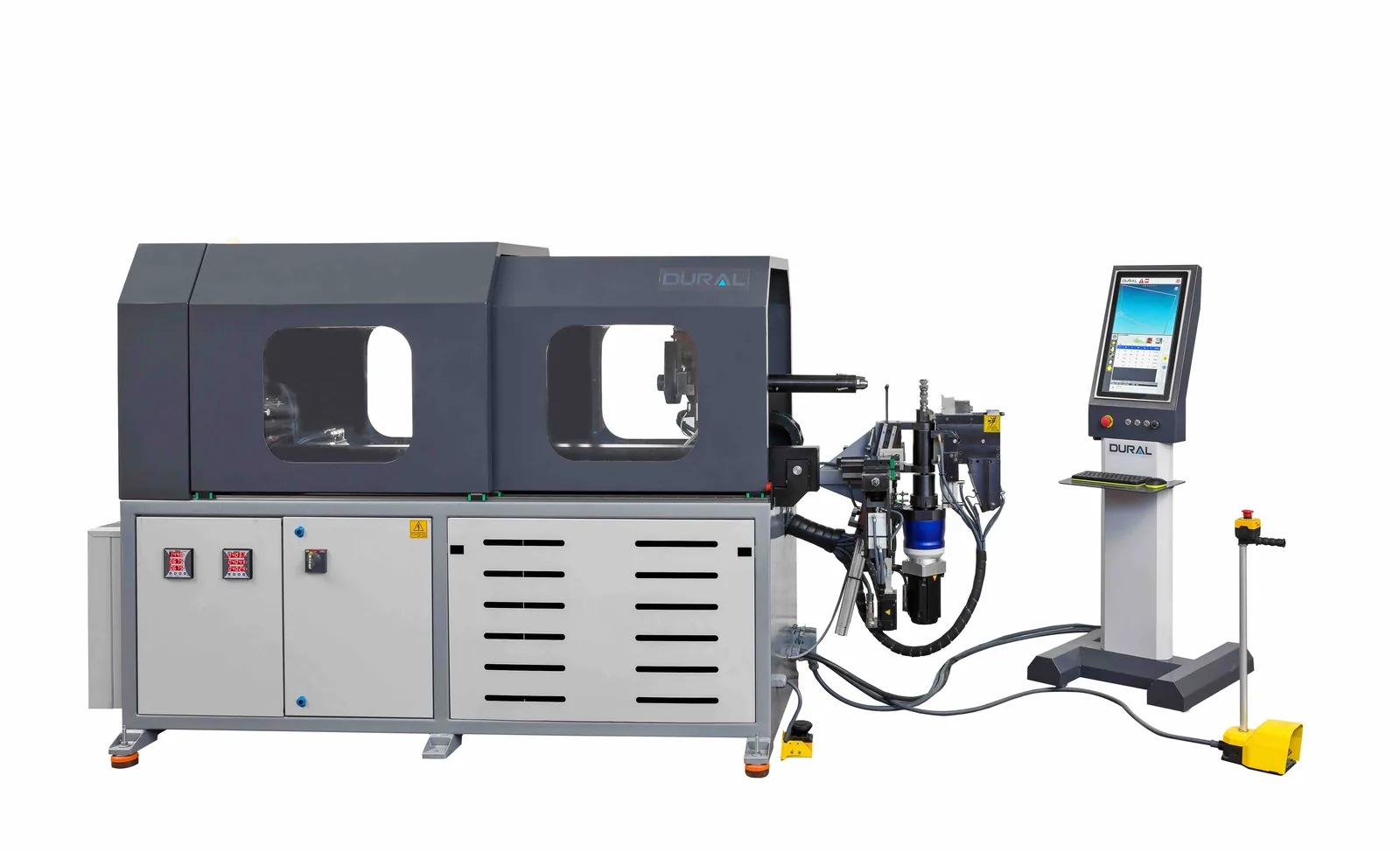
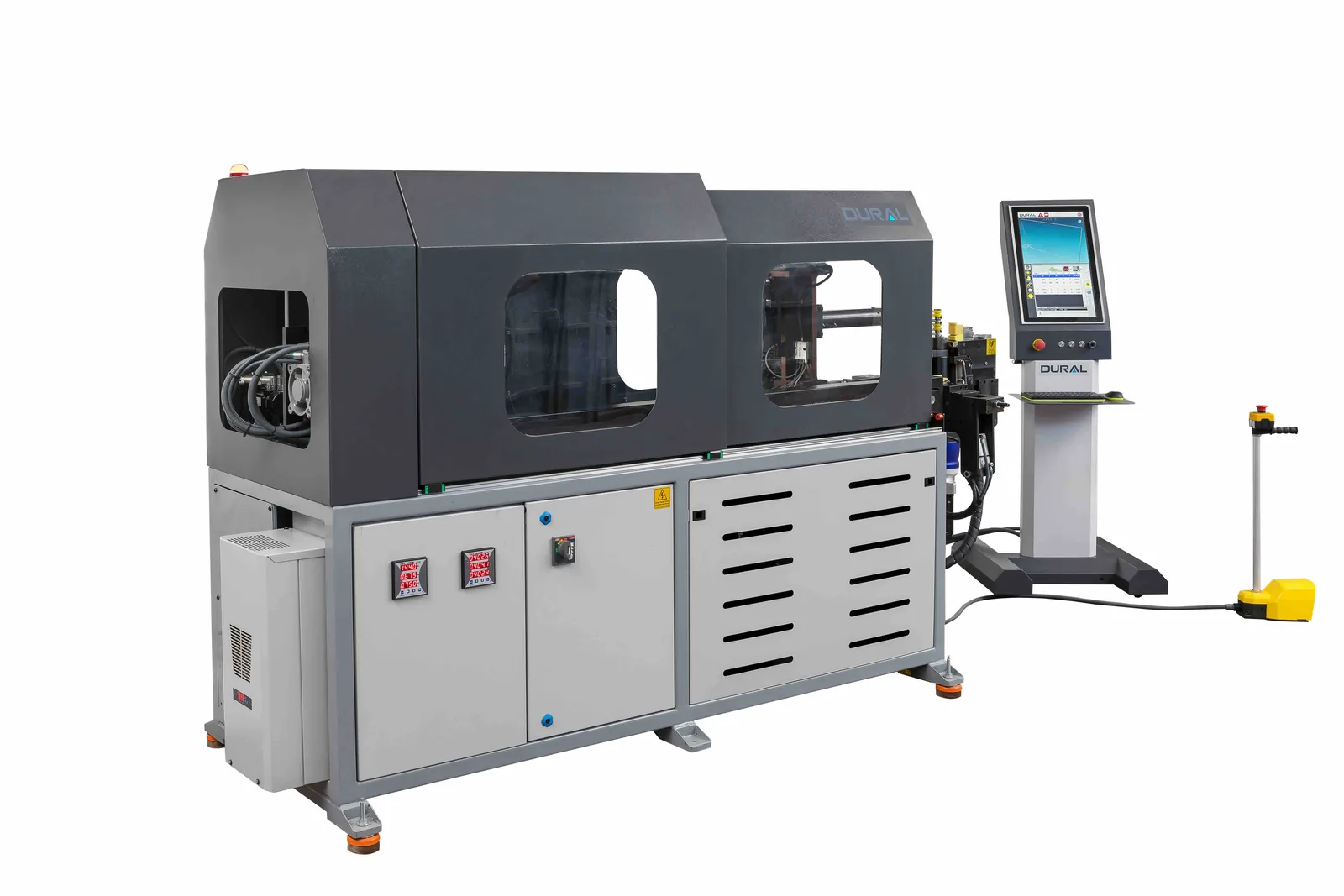
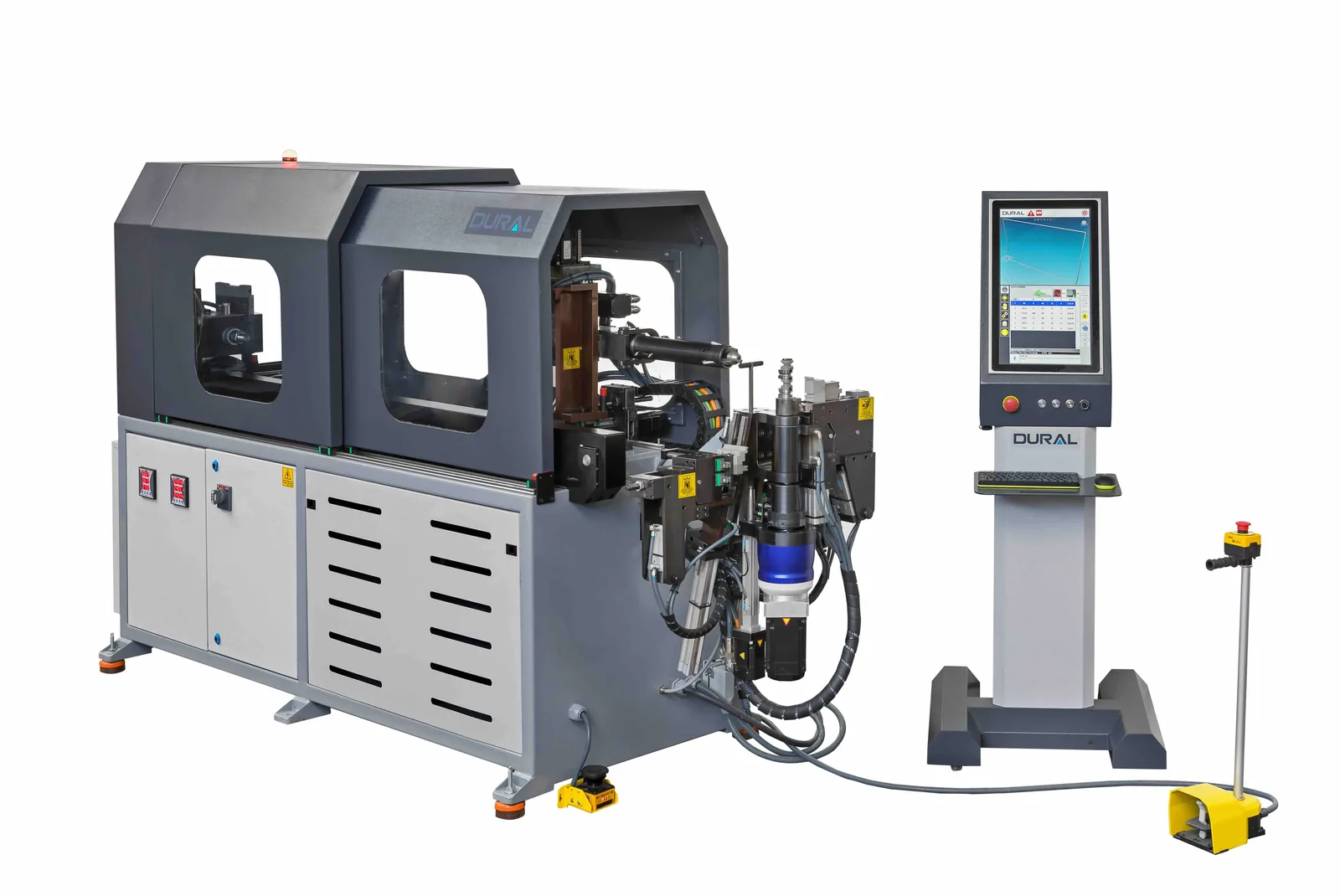
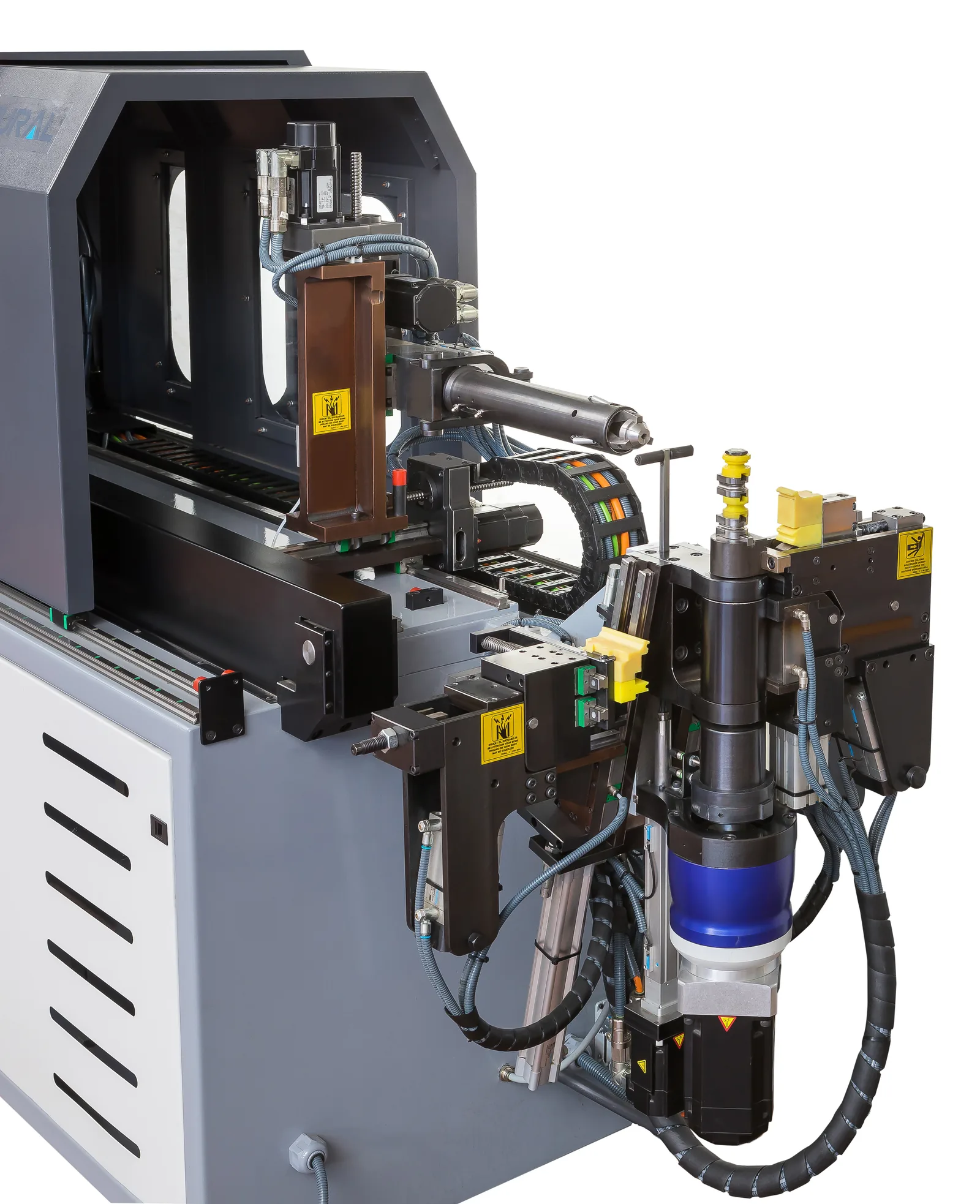
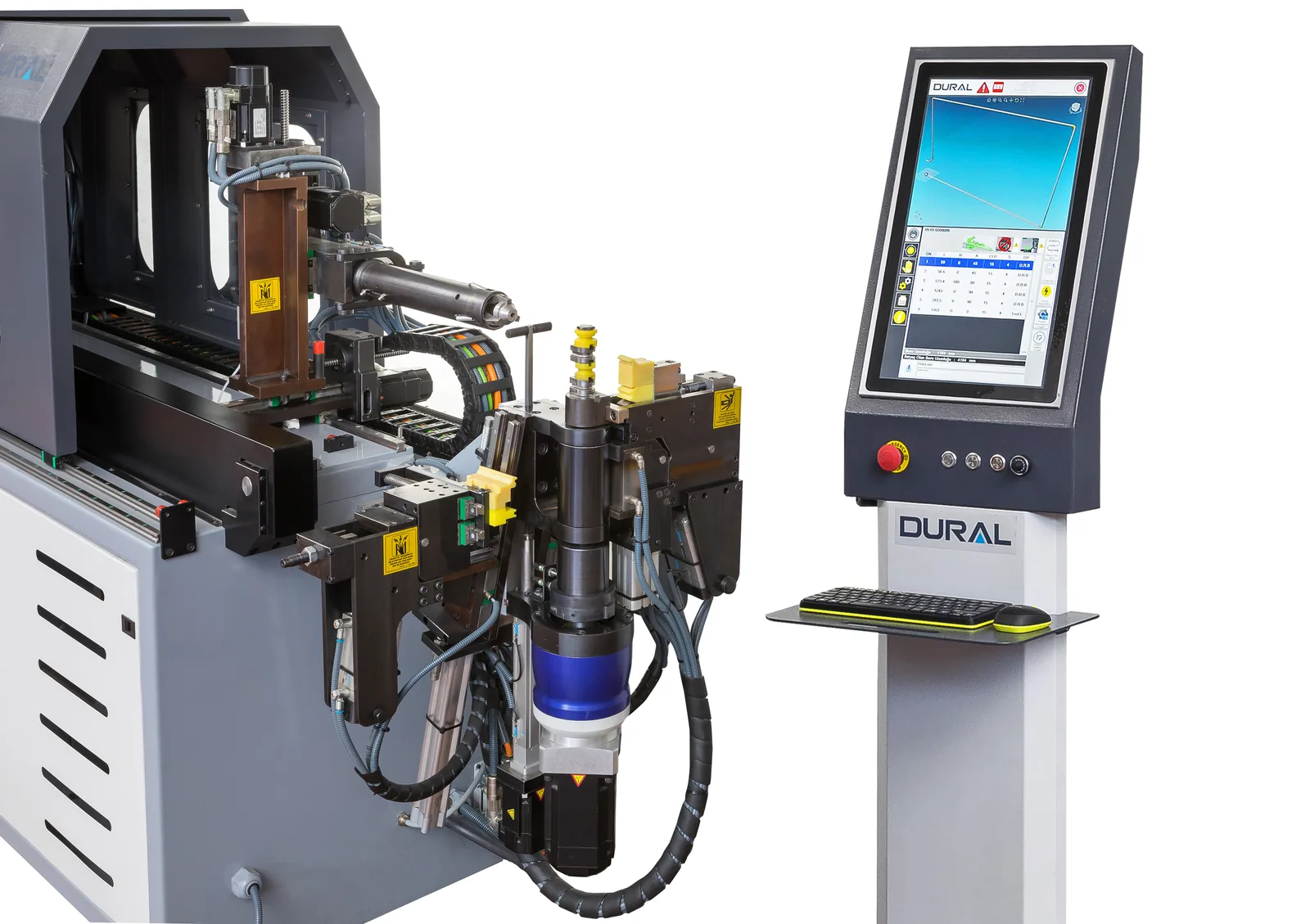
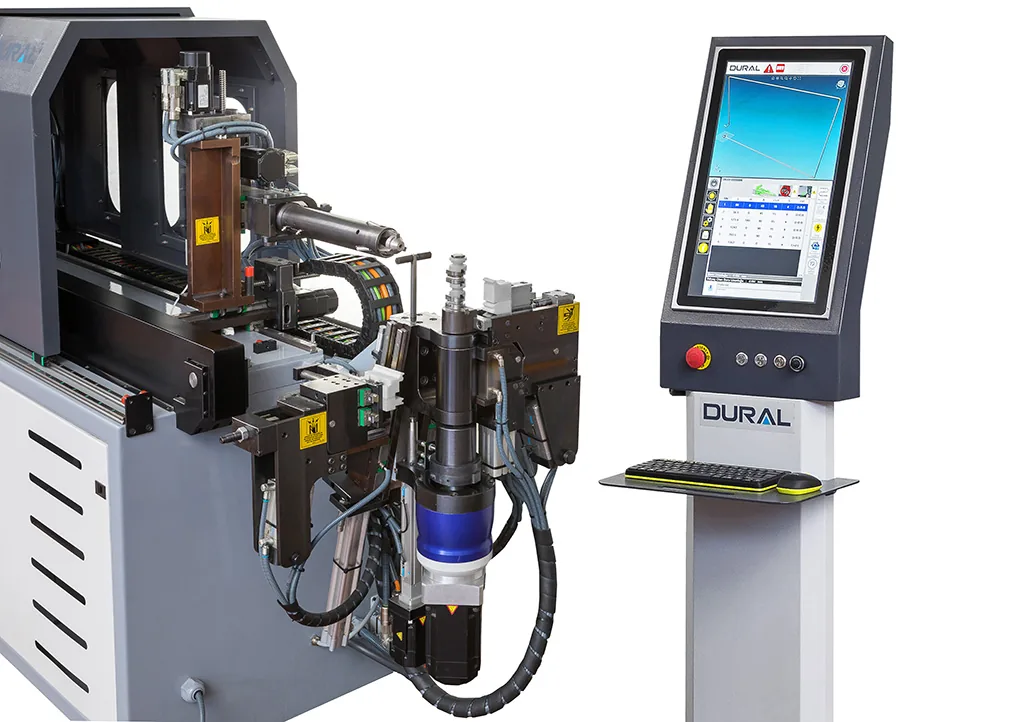
If you’ve been around tube bending long enough, you know how much time and money goes into maintaining hydraulic systems. Oil changes, seal replacements, temperature fluctuations messing with your tolerances on a Monday morning — it adds up. That’s exactly why we developed the EOS CNC Electric Tube Bender series. No hydraulics, no compromises.
The EOS is a fully servo-driven CNC tube bending machine that runs on electric axes only. Every movement — feed, rotation, bending, mandrel — is handled by high-torque servo motors. What does that mean in practice? Cleaner operation, less downtime and consistent bend accuracy all day long. We’ve seen shops cut their energy bills substantially after switching from hydraulic to the EOS platform.
What Makes the EOS Different?
Honestly, there are plenty of CNC pipe bending machine options out there. So why should you look at the EOS? The short answer: total cost of ownership. The longer answer takes a bit more explaining.
Because there’s no hydraulic circuit, you’re eliminating an entire category of maintenance. No oil to change every few hundred hours, no filters, no risk of leaks contaminating your workshop floor. The servo motors run cool and quiet — your operators will actually notice the difference, especially on longer shifts.
Here’s a quick breakdown:
- Lower energy consumption than a comparable hydraulic machine
- No hydraulic oil means zero fluid disposal costs and a cleaner shop floor
- Noise levels are noticeably lower — operators appreciate this more than you’d think
- Cycle times are shorter because multiple axes move at the same time
- Fewer wear parts means the machine stays productive with less scheduled downtime
And these aren’t theoretical numbers. We’re talking about real-world results from production environments running the EOS across two and three shifts daily.
Precision Where It Counts
One thing that really sets this CNC tube bender apart is how it handles repeatability. Every axis uses absolute encoders, so the machine knows exactly where it is at all times — even after a power outage. There’s no homing sequence when you start up in the morning. You turn it on and it’s ready to go. It sounds like a small thing, but over the course of a year that saves real production hours.
Spring back compensation is built into the controller. If you’re bending stainless or thin-wall aluminium, you already know how tricky spring back can be. The EOS stores material profiles so you can dial in the compensation once and recall it for every future job with that same material. Operators can also adjust things on the fly if needed — the system learns and saves those adjustments.
For anyone running a CNC pipe bender in a high-volume environment, this kind of consistency is what separates a profitable line from one that’s constantly dealing with scrap and rework.
Easy to Program, Easy to Run
We spent a lot of time on the control interface because, frankly, even the best machine is only as good as what the operator can do with it. The EOS runs on ETU, our own CNC platform, with a large touchscreen and full 3D simulation. You can import your tube geometry straight from a CAD file, check everything in simulation before cutting any material, and save unlimited programs. The full feature set is in the ETU Control Software tab below.
Some of the features operators tend to like most:
- 3D simulation with collision detection so you catch problems before they happen
- Self-learning spring back compensation that gets better over time
- Multi-stack tooling support — switch between part families without a full changeover
- Remote diagnostics so our team can troubleshoot without a site visit
- Interface available in multiple languages for international teams
Setting up a new part on the electric CNC tube bender usually takes a few minutes, not hours. If you’re a job shop handling dozens of different part numbers, that’s a game changer.
Configurations and Options
The EOS platform is configured around the part family you actually run. Full technical data for the EOS 20 is in the Technical Specifications tab; other capacities are built to order. Depending on your application we offer tooling packages for left-right bending, variable radius work and push-bending setups. The frame is heavy-duty steel with precision ball-screws on every axis, so geometric accuracy holds up even under continuous production.
If you need automation, we’ve got options: automatic loaders and unloading systems, barcode-driven part selection, and Industry 4.0 connectivity for data logging and OEE tracking. Whether you’re running a single CNC electric tube bender in a smaller shop or building out a full production cell for automotive supply, the EOS scales to match.
About Dural Machinery
We design and build every EOS machine in-house at our own facility. Casting, machining, electrical assembly, calibration — the whole chain is under our roof. That gives us full control over quality, and it means we can respond quickly when customers need support or custom modifications. Every CNC tube bending machine that ships from our factory goes through the same rigorous testing protocol before it reaches the customer.
Our global customers get hands-on operator training, ongoing technical support and access to spare parts through our worldwide network. When you buy an EOS CNC pipe bending machine, you’re not just getting a piece of equipment — you’re getting a production partner that will be there long after the installation is done.
Category: Bending Machines
| Parameter | EOS 20 (MR L&R) |
|---|---|
| Max. Capacity Steel Tube | Ø20 x 1.5 mm |
| Max. Capacity Stainless Steel Tube | Ø16 x 1 mm |
| Square Section | 10 x 1.5 mm |
| Section Module | 0.3 cm³ |
| Max. Centre Line Radius | 40 mm |
| Usable Tube Length — with Collet Edge | 1200 mm |
| Usable Tube Length — with Mandrel | 2000 mm |
| Usable Tube Length — without Mandrel | Unlimited |
| Max. Bending Speed | 420 °/sec |
| Max. Feeding Speed | 1600 mm/sec |
| Max. Rotation Speed | 2880 °/sec |
| Max. Bending Angle | 190° |
| Number of Stored Programs | Unlimited |
| Number of Bends per Program | Unlimited |
| Total Power | 6 kW |
| Max. Air Pressure | 6 bar |
| Bending Direction (Right & Left model) | CW and CCW |
| Bending Drive | Servo motor |
Figures above are for the EOS 20 (MR L&R) configuration. Other capacities are built to order — send us your part drawing or a sample and our engineering team will confirm the right specification.
Supplied as standard on every EOS machine
ETU by Dural Machinery — 3D real-time simulation, AI-powered diagnostics, Industry 4.0 ready, full electric CNC support.
Control System
ETU provides a fully interactive 3D simulation environment where operators can visualise the entire bending process before production begins. The collision detection system automatically identifies potential interference between the tube, tooling and machine components, preventing costly errors and damage.
Program Editor with 3D Preview
The bending program editor features an integrated 3D preview showing L (length), R (rotation), A (angle), CLR (centre line radius) and stack parameters for each bend. Operators can adjust spring back, mandrel retraction, elongation values and stress relief angle in real time.
AI-Powered Diagnostics
The built-in AI assistant analyses error conditions and provides detailed diagnostic reports with root cause analysis. When an error occurs, the system checks special conditions, identifies probable causes and suggests corrective actions automatically. This reduces downtime significantly.
SOLID / STEP File Conversion
Import 3D STEP files directly into the bending program with a fast and practical conversion workflow. The software automatically analyses the imported geometry, extracts the required bending data such as L, R, A and bend radius values, and converts them into a usable tube bending program. At the same time it creates a clear 3D preview of the part and calculates the tube length to support fast verification before production.
XYZ to LRA Conversion
Convert XYZ coordinate data into LRA bending parameters quickly and accurately within the software environment. The system processes coordinate-based geometry, translates it into bending values and supports CW/CCW direction logic for more flexible programming. A real-time 3D preview allows the operator to check the generated shape before production, helping to reduce programming errors and improve workflow reliability.

Axis Speed & Torque Control
Fine-tune each axis speed independently: feeding, rotation, bending, stack positioning and tube positioning. Each axis has individual torque power control with a real-time percentage display.
Production View & Editing
Comprehensive program editing with real-time 3D feedback. The main screen shows the active bending program with all parameters. A side panel provides quick access to step-by-step mode, D-Power mode, continuous pressure and edit functions.
Mould & Tooling Library
A visual tooling library with thumbnail previews for all die components: bend die, clamp die, pressure die, wiper die, mandrel and collet. Filter by bending type and tube diameter. Each tool shows its availability status with a green check mark.

Program Memory & Management
Organise bending programs with D-Tags for efficient categorisation. Load, edit, create, duplicate or mirror programs with one tap. Filter programs by tag and search by name. Each program stores tube diameter, material type and loading position. This makes it easy to find and manage bending programs by diameter and wall thickness.

Spring Back & Material Library
The software automatically calculates spring back values using material properties such as modulus of elasticity, yield strength, tube diameter and wall thickness. It supports both theoretical calculation and angle data based calibration, allowing operators to achieve more accurate bending results according to real production conditions. By combining intelligent calculation with practical correction methods, the system helps reduce setup time, improve repeatability and minimise trial bends.
To support these calculations the software includes a comprehensive material library with ready-to-use data for a wide range of materials such as ST37, S235, S355, AISI 304, AISI 316, AISI 321, aluminium alloys, copper and many others. Users can select existing materials, edit parameters or create new entries according to their own production requirements. This flexible structure makes it possible to standardise bending performance across the shop.
Industry 4.0 with MyDural (optional)
With the optional MyDural Industry 4.0 solution, the software provides detailed maintenance and operational data to support smarter production management. Operators and maintenance teams can monitor cycle counts, movement totals, working hours, start-stop frequencies and component usage history directly from the system. This data helps track machine performance over time, plan preventive maintenance more effectively and reduce unexpected downtime.
Production Follow
- Follow production online
- Check productivity product by product or machine by machine
- Daily, weekly and monthly reports
- Check the operator online from your mobile or PC